
Screenshots
Six screenshots, 1600 pixels wide, English interface
Click opens full size. The photos in the screenshots are demo pictures without real people. Credit: DCS Analytics.
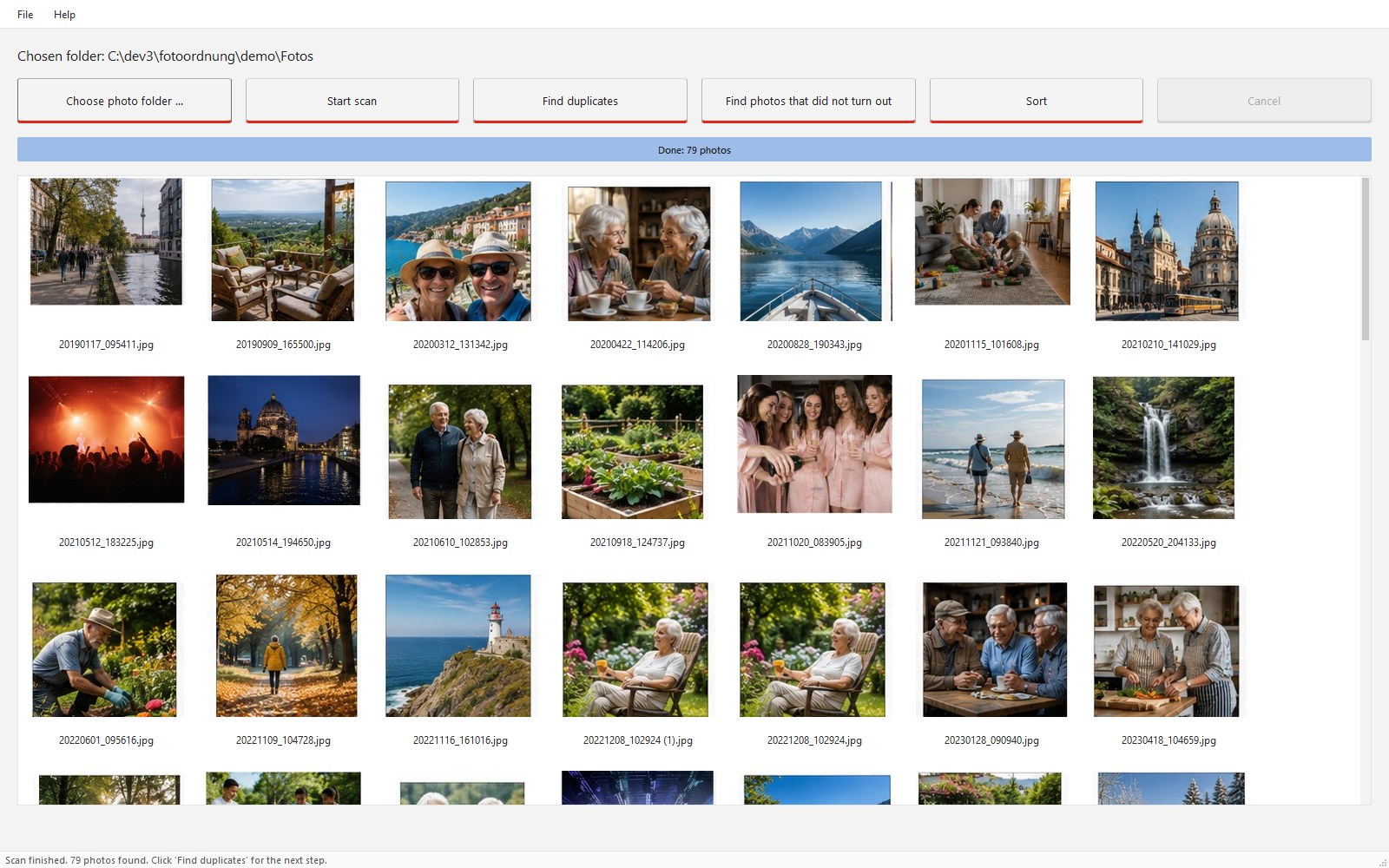
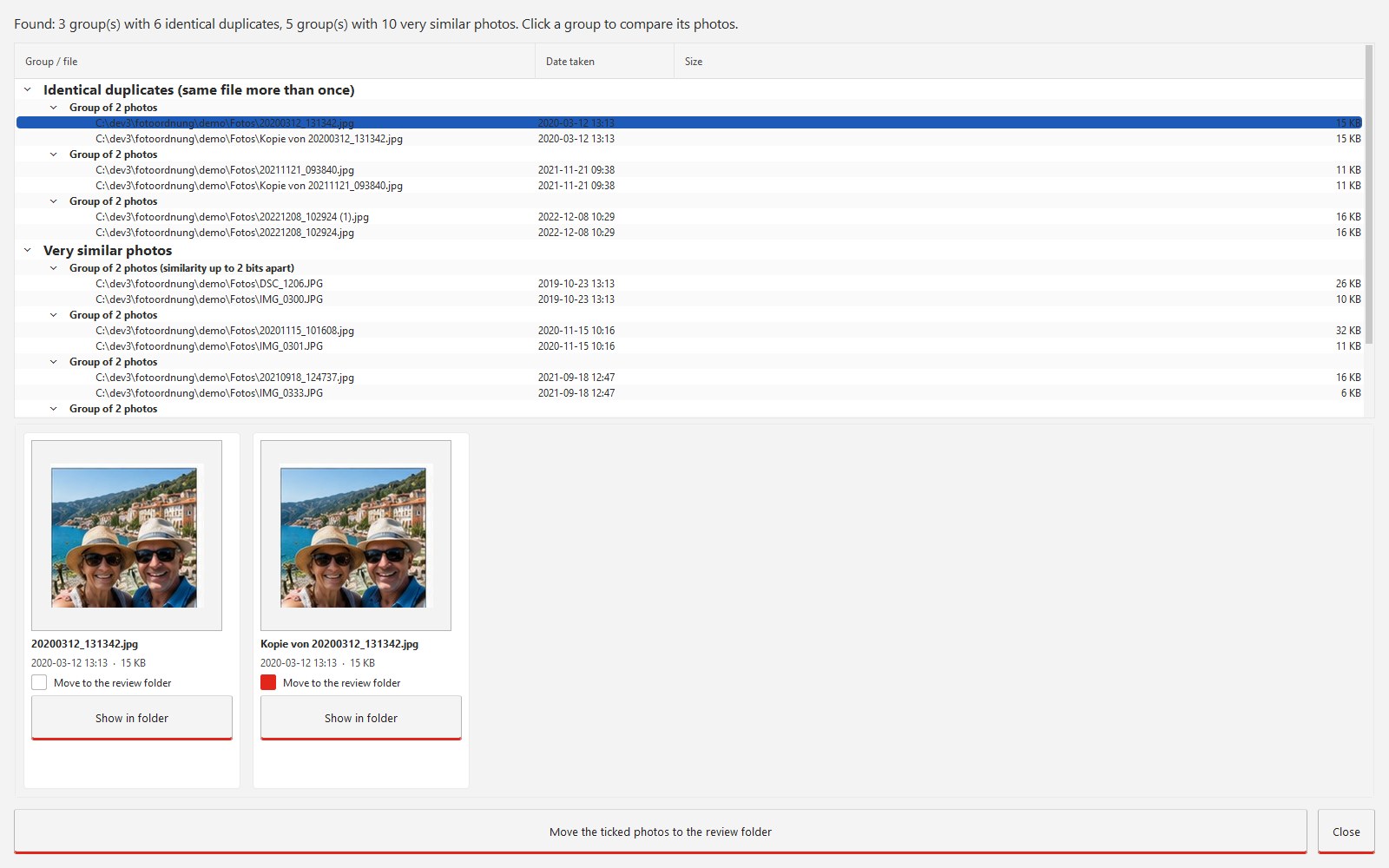
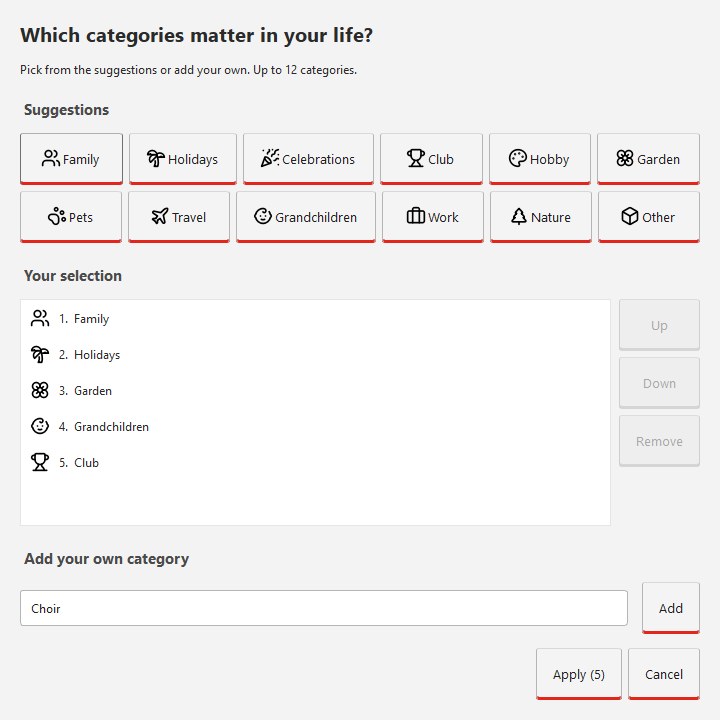
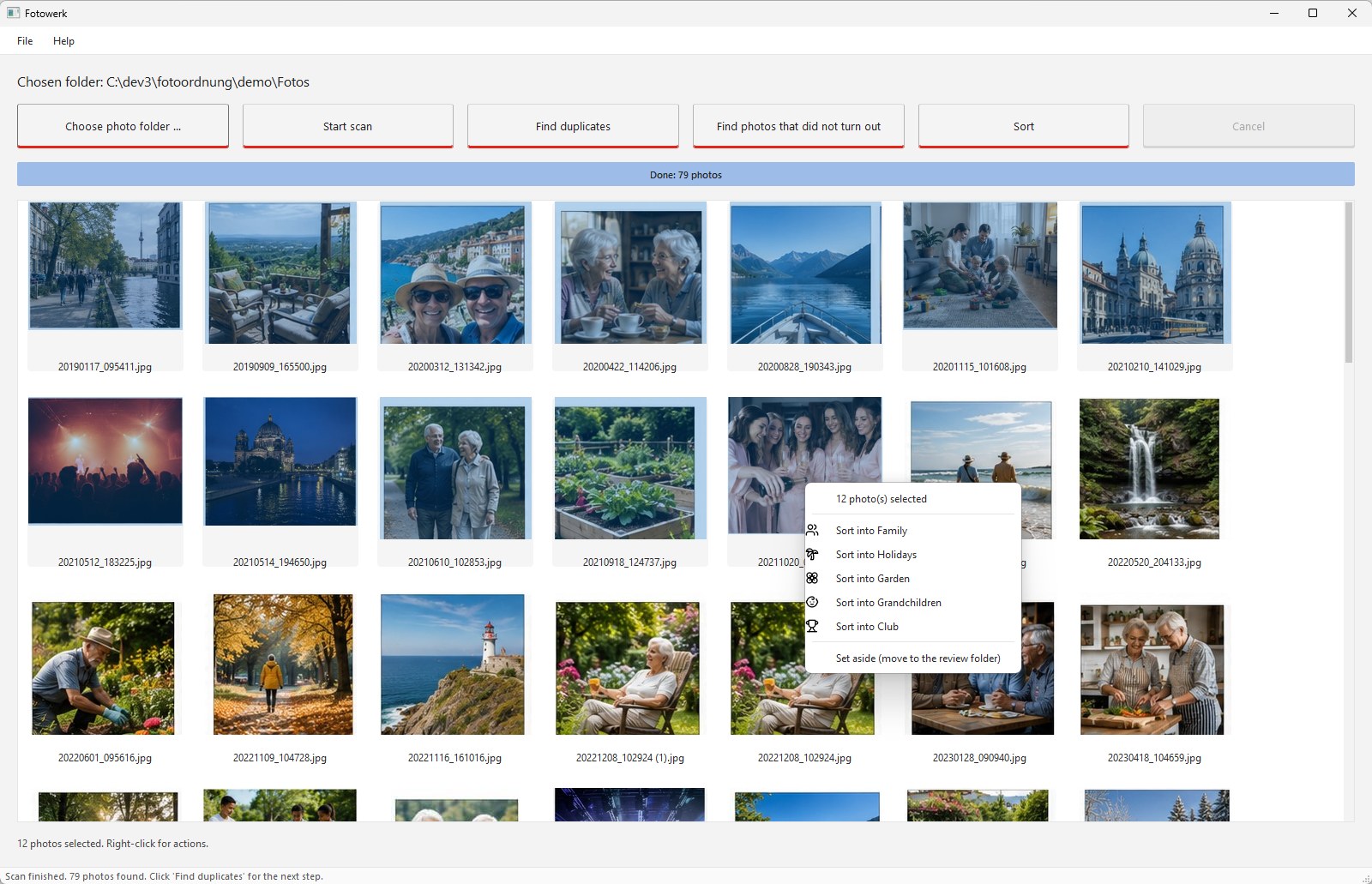
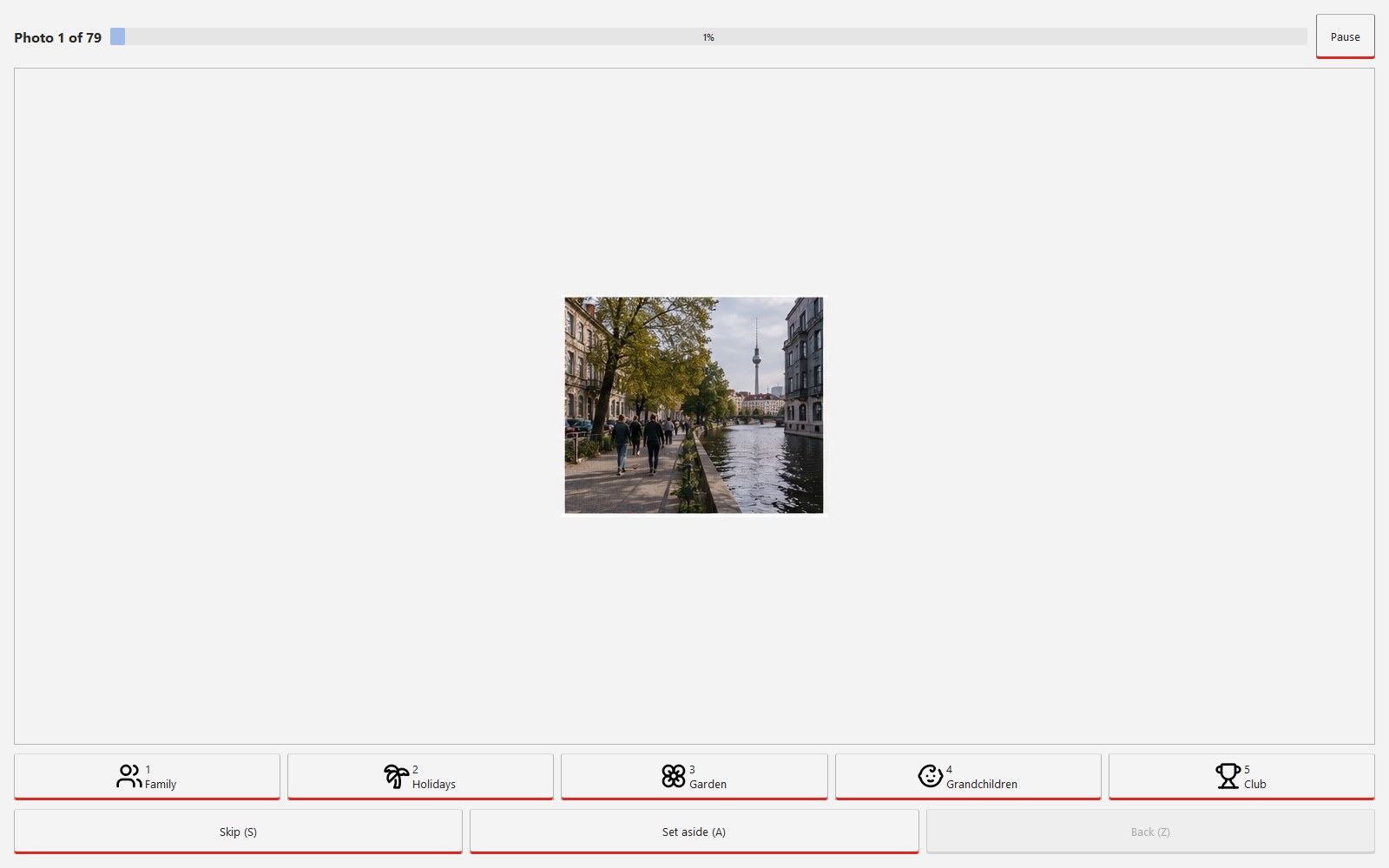
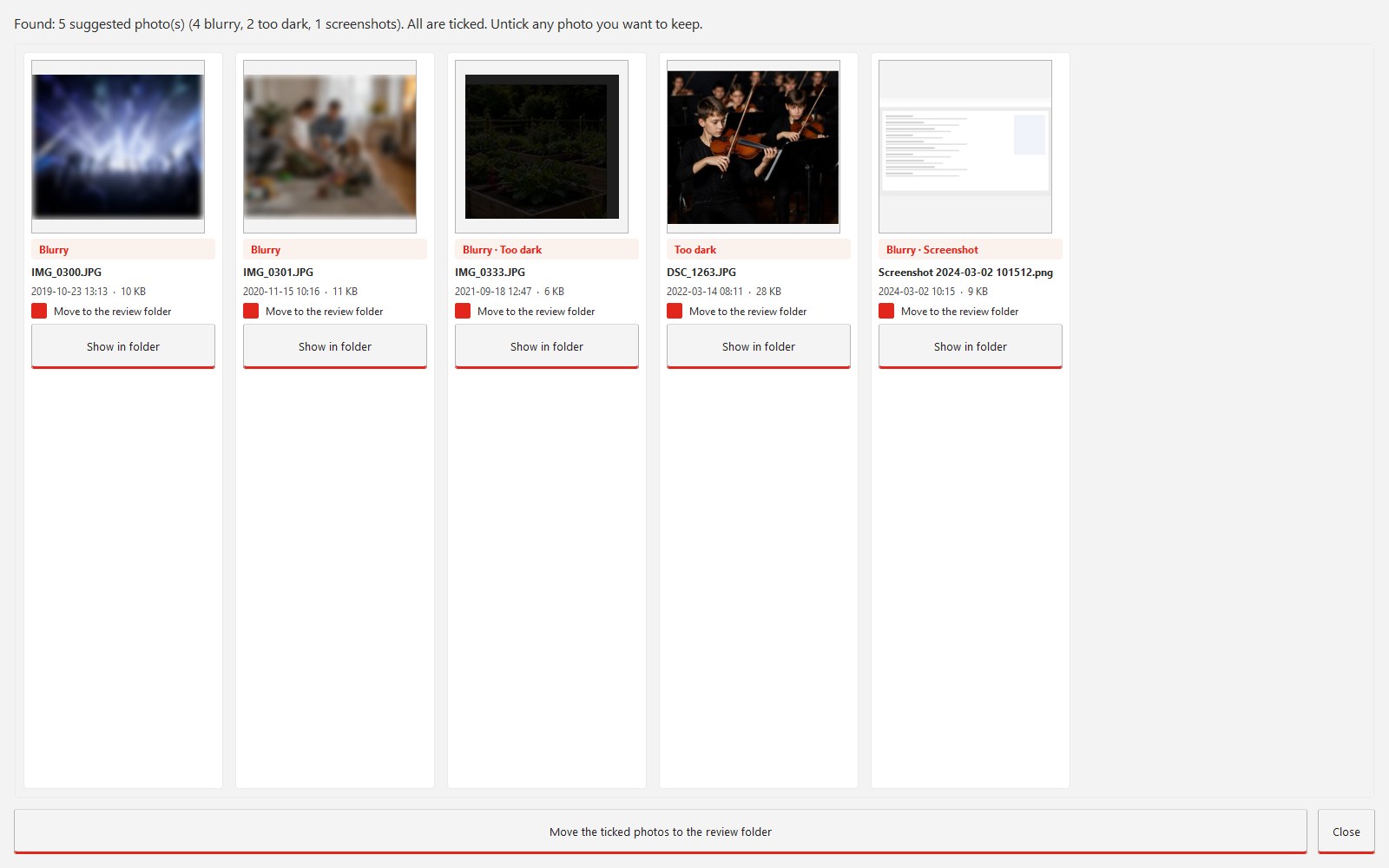
Everything on this page may be used freely for editorial purposes. Review keys for the full version on request, reply usually on the same working day.
Click opens full size. The photos in the screenshots are demo pictures without real people. Credit: DCS Analytics.
DCS Analytics, a software company from Brandenburg, Germany, releases Fotowerk 1.1, a Windows program that brings large private photo collections into an order you can find your way around. Fotowerk finds duplicate photos and photos that did not turn out, and sorts pictures by categories of your own choosing and by year into normal Windows folders. All data stays on the computer. There is no account, no cloud and no subscription. Version 1.1 adds an English interface and manual. The full version costs €14.99 once, a trial version is free.
Fotowerk is made for private users with 20,000 to 100,000 photos from twenty years of digital photography: camera imports, phone backups, email attachments, folders copied several times over. These users do not want to learn a photo management suite and do not want to upload their pictures to someone else's data centre. They want to work through their collection once and afterwards find every picture in a folder that their children can still open.
Fotowerk moves files inside the chosen photo folder. It does not copy and does not delete. Pictures that are set aside go to a review folder, and a ZIP backup is created first. Every sorting run is logged, identical file names are kept. The result is an ordinary folder structure such as Family/2023/ that stays readable without Fotowerk.
| System | Windows 10 and 11, 64-bit |
| Formats | JPEG, HEIC, PNG, TIFF, WebP, BMP, GIF |
| Tested up to | 100,000 photos |
| Installation | Signed installer, about 230 MB |
| Internet | Once for activation, not afterwards |
| Price | €14.99 once, one key for three devices, all 1.x updates |
| Trial version | Scanning and checking unlimited, moving up to 500 photos |
| Languages | English, German (follows the Windows display language) |
"Fotowerk is like a butler for the photo collection. He carries in all the work: finds the duplicate pictures, puts the blurry ones aside, holds up every photo. The person only makes the decision where it belongs. Invest one afternoon like that, and in the years after you find every picture in seconds instead of searching all over again every time."
Arne Bailliere, developer of Fotowerk
DCS Analytics & Digital Consultancy Services is a brand of Universe Connect KG, based in Rangsdorf near Berlin, Germany. The company develops software products for laboratories, chess and private users as well as custom solutions. Fotowerk is the company's first product around photos.
Arne Bailliere
DCS Analytics & Digital Consultancy Services
Sachsenkorso 23, 15834 Rangsdorf, Germany
Phone +49 175 979 73 08
info@digitalconsultancysolutions.com